
Edit cart text here:
Get Dragonfire Gems to Upgrade your Dragons & Kingdom
What are Dragonfire Gems?
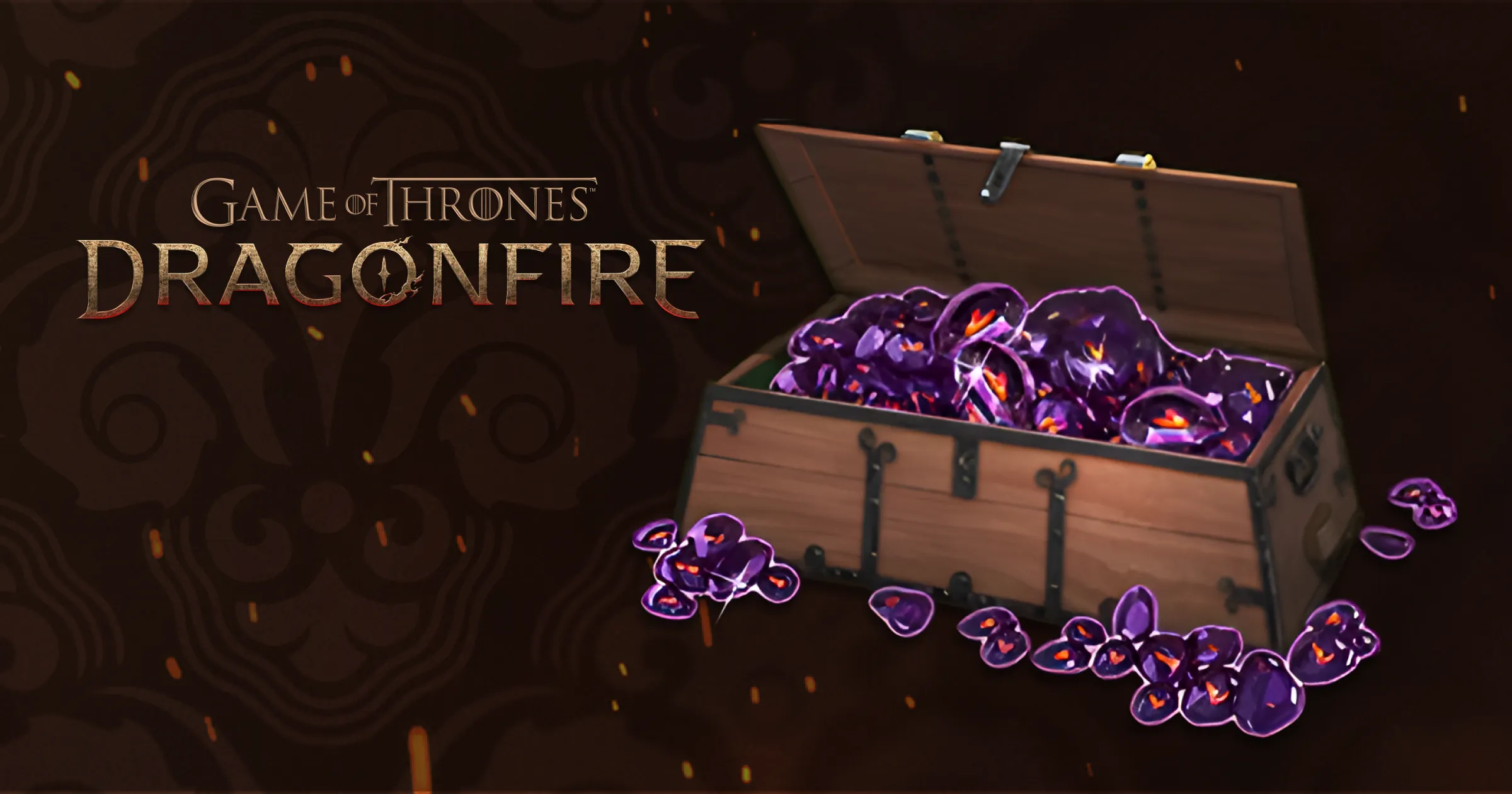
Dragonfire Gems are an alternative currency that can be used to purchase packs, bundles or other items from the in-game store.
How can I get Dragonfire Gems?
The best way to get Dragonfire Gems is through our official web store where you’ll receive up to 20% more value compared to in-app purchases. Use Dragonfire Gems to acquire offers in Game of Thrones: Dragonfire in-game store and for in-app purchases.
You will need to sign in with a WB Games account that is linked to your Game of Thrones: Dragonfire game profile.
How can I use Dragonfire Gems to make an in-game purchase?
Eligible items available within the in-game store will provide an option to obtain them using Dragonfire Gems. Tapping/selecting the Gems button will provide a confirmation listing the quantity of Gems required to complete the transaction. As long as you have a sufficient quantity of Gems, you will be able to complete the transaction. Items will be automatically added to your in-game inventory after the transaction finishes processing.
If you do not have enough Dragonfire Gems to complete the transaction, you are provided an option to obtain more Dragonfire Gems from the web store.
How can I contact Customer Support about a Dragonfire Gems purchase?
There are two different methods of support, depending on whether your inquiry is in regards to in-game or Web Store support:
FAQ
I haven’t received my Dragonfire Gems
- Please allow a few minutes for the transaction to complete. Once finished, the Dragonfire Gems will be sent to your in-game inventory automatically. You should also receive an in-game message in your inbox.
I can’t sign in to the web store
- A WB Games account connected to a Game of Thrones: Dragonfire game profile is required in order to get Dragonfire Gems. If you receive an error that a connected game profile could not be found, be sure to go back to the app, then Settings -> WB Games account and make sure you have a connected profile.
How do I create a WB Games account?
- You can create a WB Games account by visiting https://account.wbgames.com/
How do I connect my WB Games account to my Game of Thrones: Dragonfire game profile?
- If you receive the following error, make sure you have connected to a WB Games account. Instructions on connecting to a WB Games account can be found here.